
PathSync Campus
Run your campus timetable without the clashes.
Campus is the PathSync product for one college or school: campus admins, schedulers and teachers, each with the view they need.
Open Campus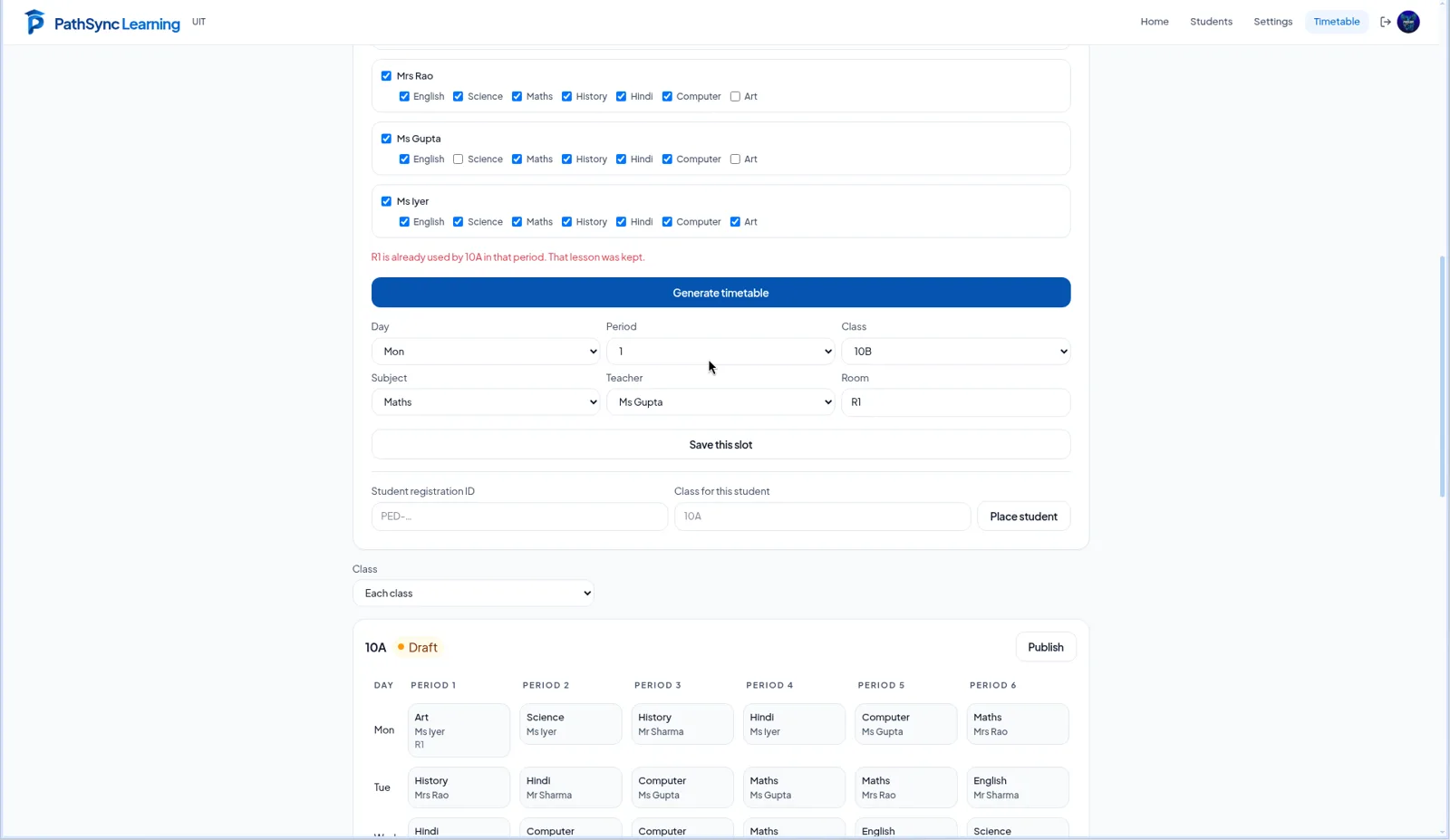
Timetable
Generate the week. Then fine-tune it.
Schedulers set days, periods, classes, subjects and teachers, then generate a draft timetable. Edit single lessons, save or remove them, and publish when it is right.
- Keep every timetable: create, open, duplicate, rename or delete drafts
- Publish a class or the whole week; published classes stay live until unpublished
- Clear validation when inputs can't produce a timetable
10A · Week
DraftSet days, periods, subjects and teachers, then generate.
Conflicts
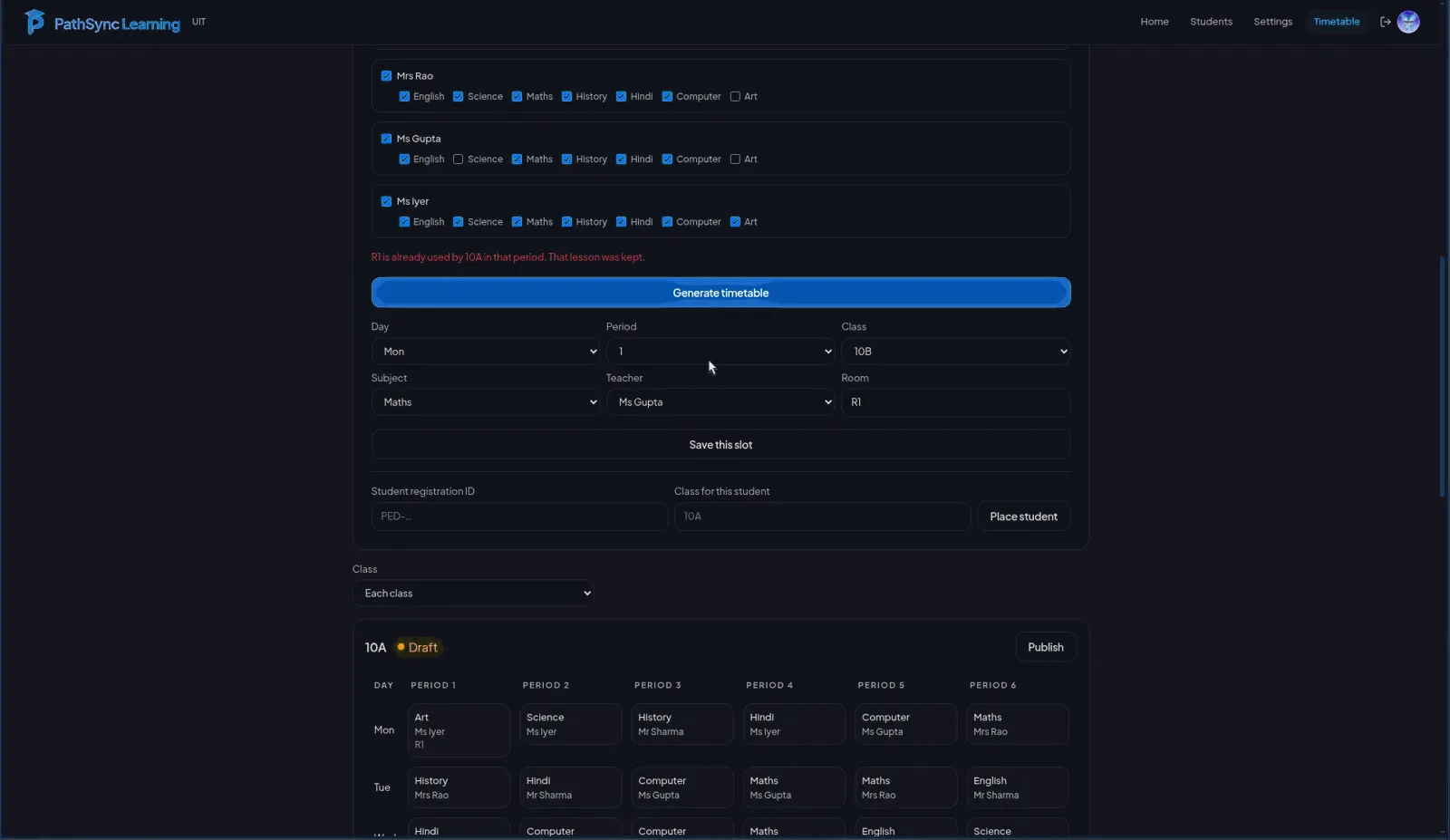
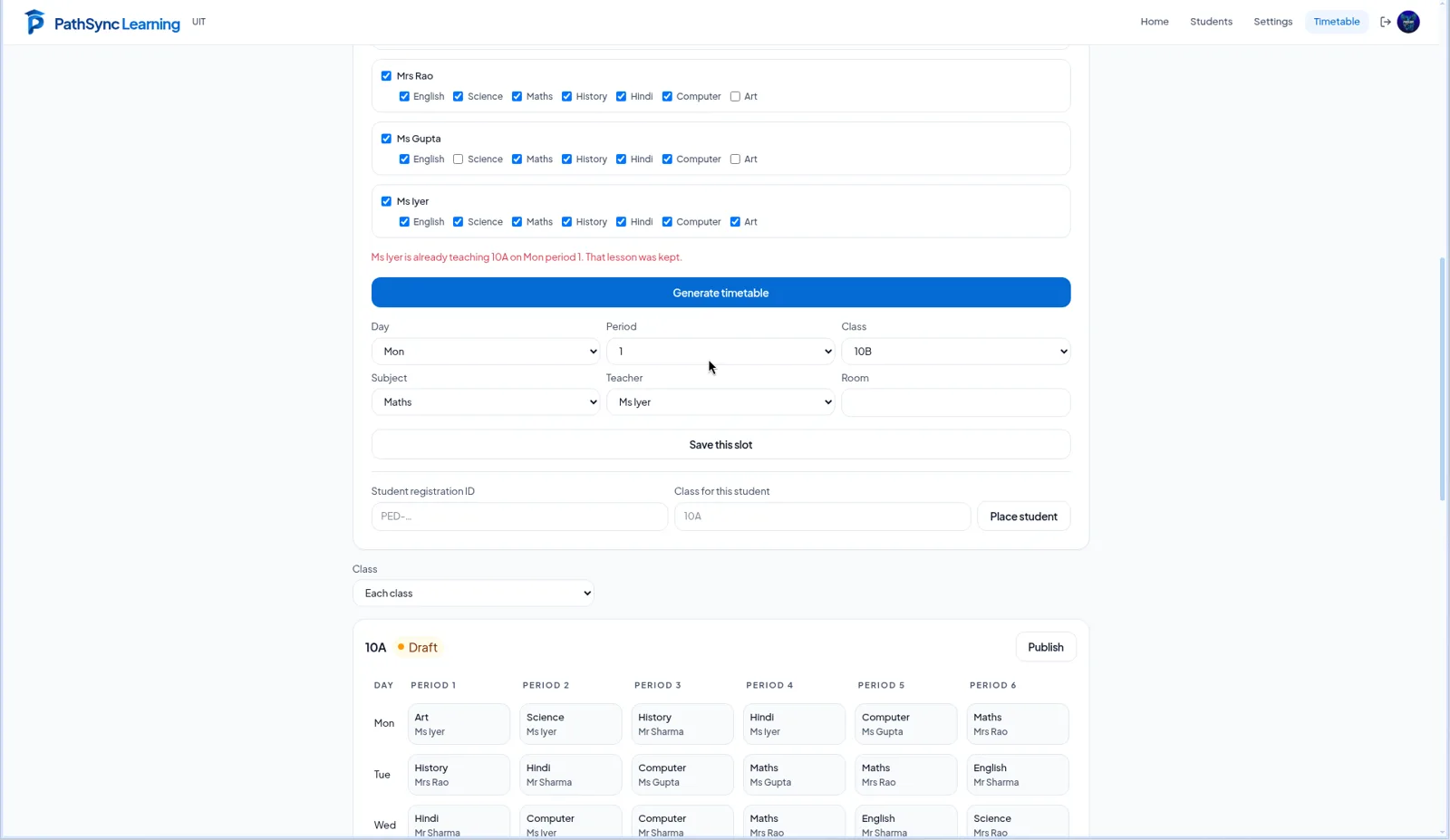
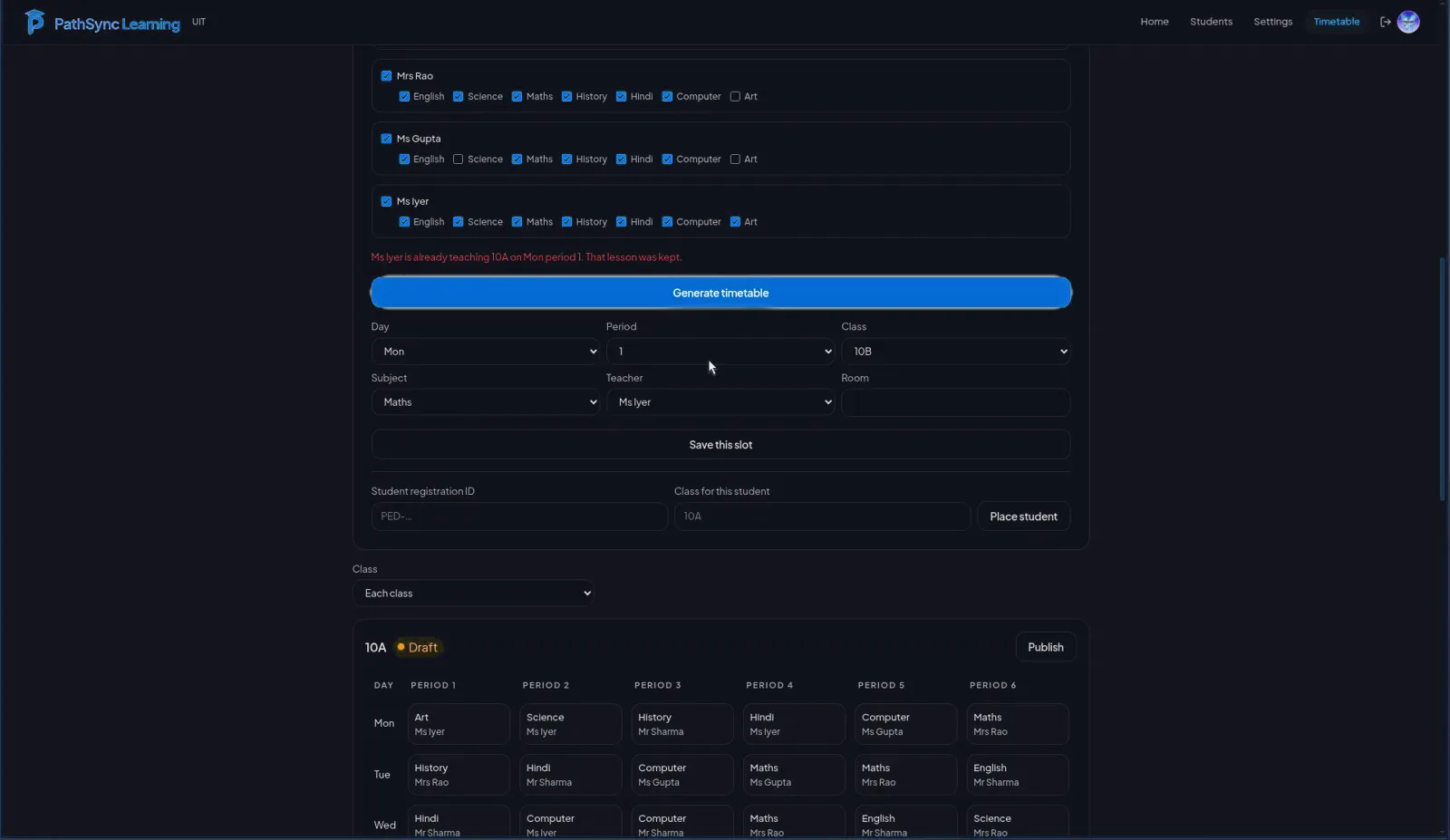
Clashes are blocked before they happen.
A teacher can't be in two rooms at once. Campus checks teacher and room conflicts and explains why a lesson can't be saved.
- Teacher conflict checks
- Room conflict checks
- Capacity and missing-teacher errors
Roles
The right home for every member.
Campus admins run the campus. Schedulers land on the timetable. Teachers join with a teacher code tied to their campus, or with PathSync staff approval.
- Campus, teacher and scheduler join codes
- No public sign-up creates an institution
- Pending accounts wait for a code or approval
Ready when you are.
Campus is set up with PathSync staff for your institution. Teachers join with a code issued by their campus.